 Enhavo
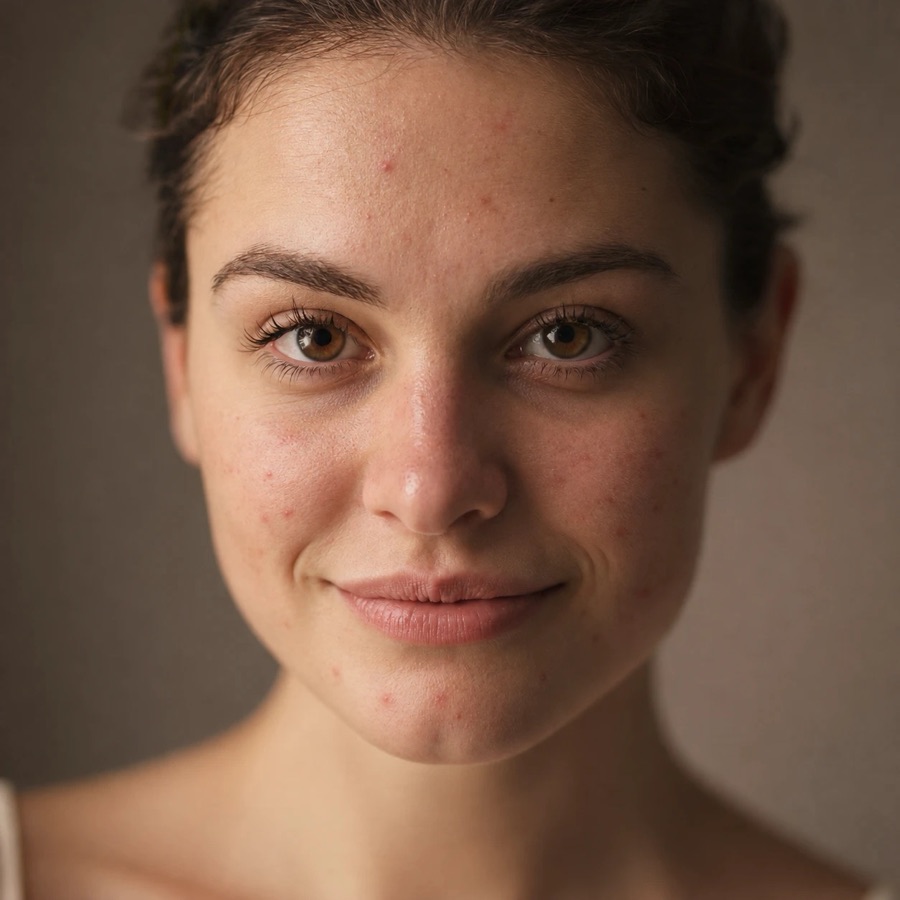
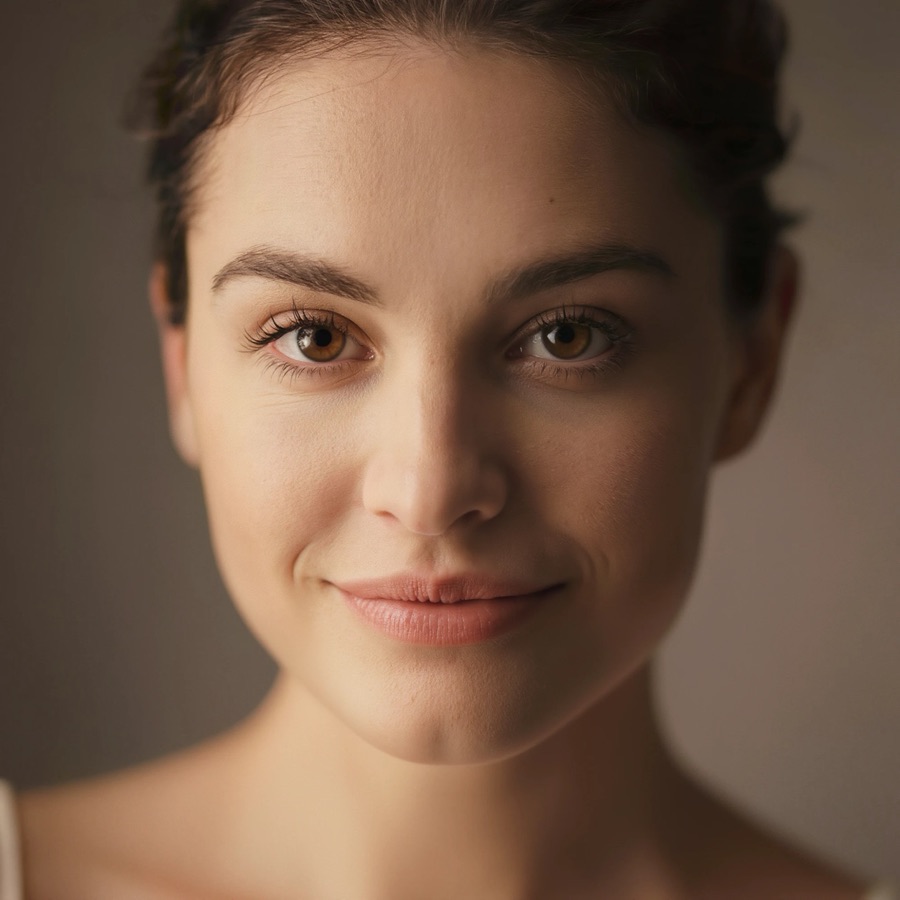 BeforeAfter
Retouch
Smooth skin and refine portraits while still looking like yourself. Choose Natural, Enhanced or Studio.
Retouch portraits, bring old photos back, add color to black-and-white shots and sharpen blurry pictures. Pick a photo, tap once, and compare.
For iPhone. No account needed.
Before
After
Drag across any photo to see what changed. These are real Enhavo results.
BeforeAfter
Smooth skin and refine portraits while still looking like yourself. Choose Natural, Enhanced or Studio.
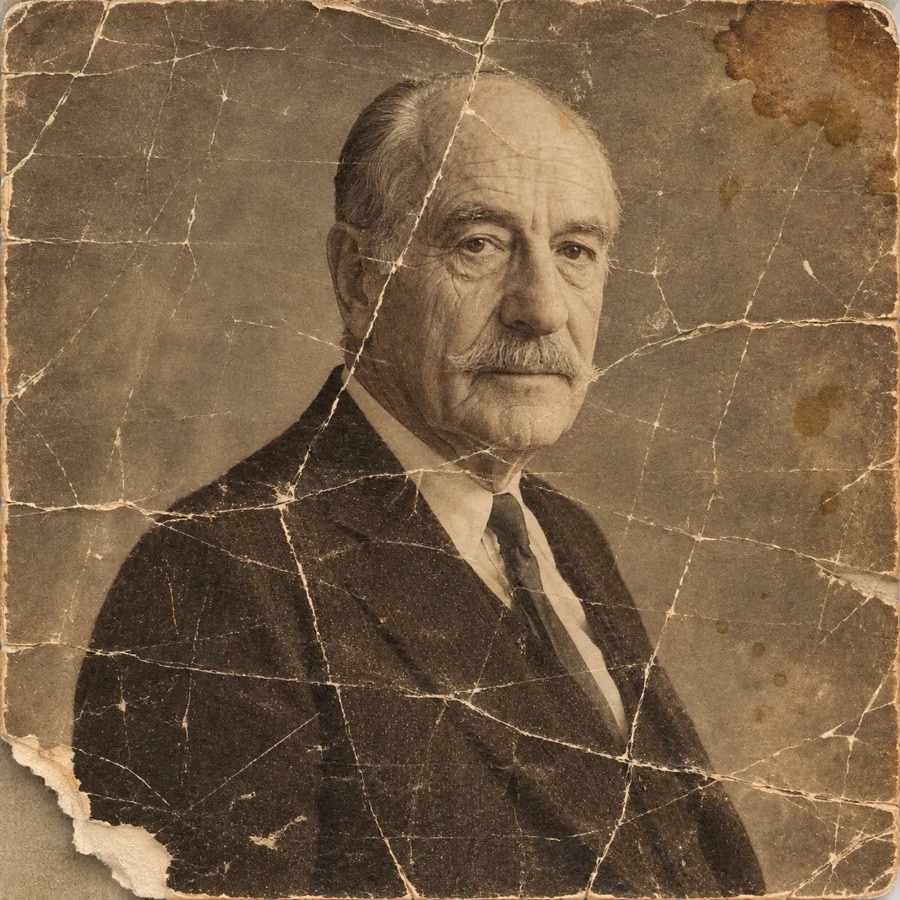
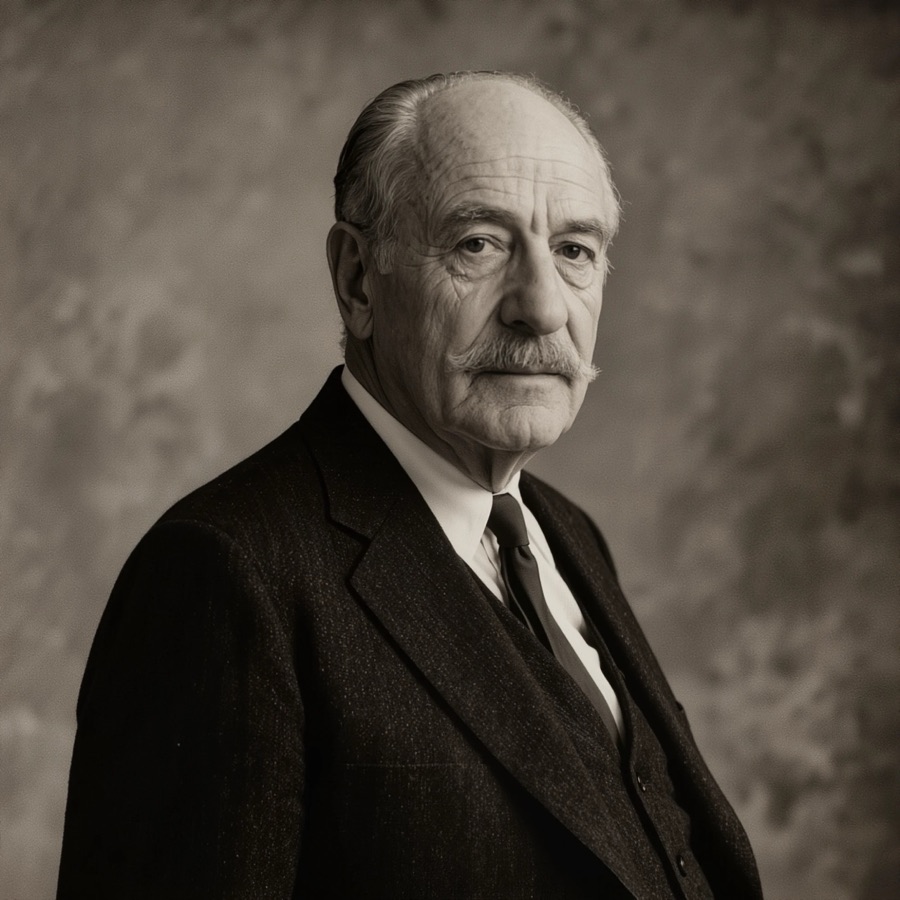 BeforeAfter
Repair scratches, creases, fading and wear, so family pictures look the way you remember them.
 BeforeAfter
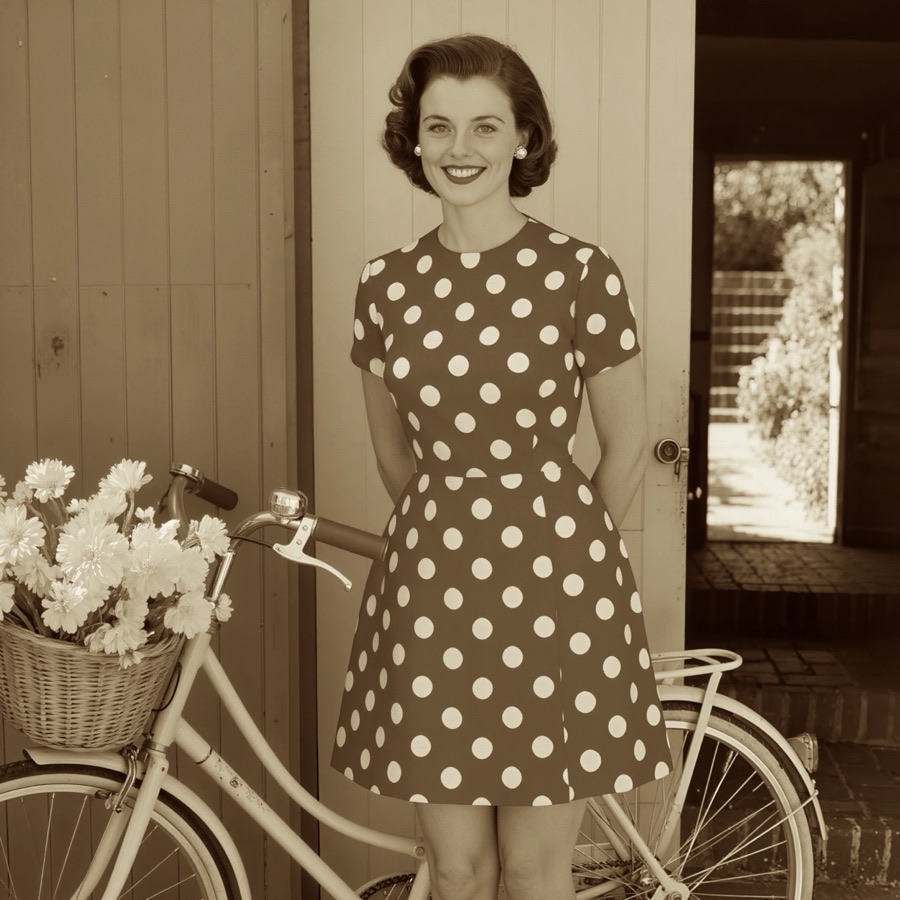
Turn black-and-white or faded photos into natural-looking color.

 BeforeAfter
Sharpen soft, blurry or low-resolution shots taken in a hurry, in low light or on an older camera.
No settings to learn. Results in seconds.
Choose any photo with the iPhone photo picker. Enhavo sees only the photo you pick.
Retouch, Restore, Colorize or Unblur. One button and Enhavo does the rest.
Drag the slider to see what changed, pinch to zoom, then save or share.
Open the app and start. No sign-up, no password, no profile.
Your photo is processed on our own servers and the result comes straight back. Nothing is stored.
No advertising, analytics or tracking SDKs. We don't sell or share your data.
Drag across every result to see exactly what changed, and pinch to zoom in.
Save to Photos in one tap, or share straight to Messages and social apps.
Your latest results stay on Home, on your iPhone only, so you can come back to them.

Enhavo is made for iPhone. It needs an internet connection to process photos.
Download on the App Store